
Ensure Smooth Gaming by Fixing Your Controller’s Connection Problems
When your PlayStation controller loses connection, it can disrupt your gaming experience. These issues often arise from connectivity problems between your controller and console. Understanding how to address these issues is essential for gamers who want uninterrupted playtime. By learning about common causes and solutions, you can keep your gaming sessions running smoothly.
Common Causes of Connectivity Issues
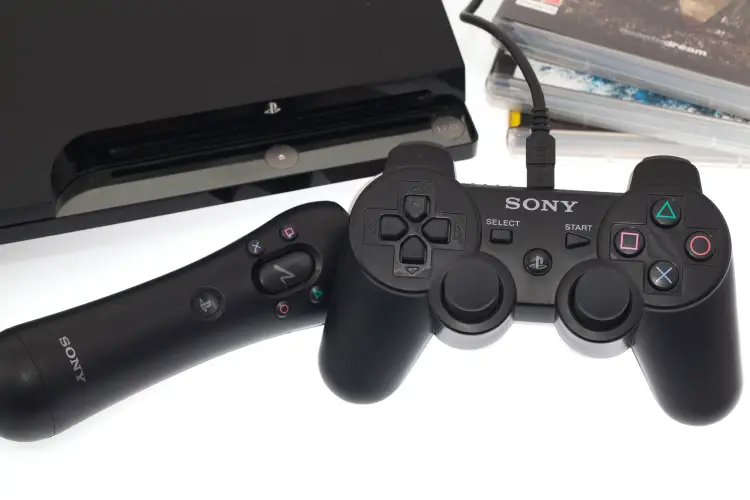
Several factors can cause your controller to lose connection with the console. One primary reason is interference from other wireless devices in your home, such as routers or microwaves. Sometimes, a simple system update might also disrupt the connection due to compatibility issues. Lastly, physical damage to the controller or its internal components can lead to persistent connectivity problems.
Understanding Playstation Repair Services
For many gamers, fixing a controller seems daunting. However, professional playstation repair services can help resolve connectivity issues efficiently. Experts in these services are well-versed in troubleshooting and fixing various controller problems. They ensure your device gets back to optimal performance without unnecessary hassle.
DIY Solutions Before Seeking Professional Help
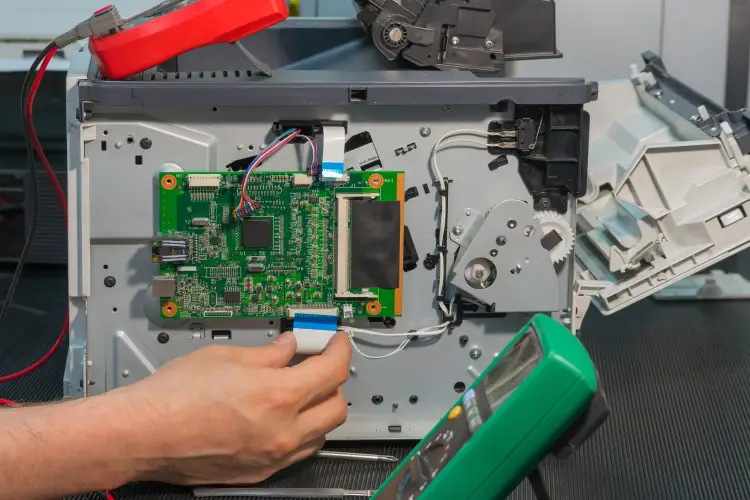
Before opting for professional assistance, try some DIY steps to fix connectivity issues. Start by resetting your controller using the small reset button at the back. Ensure that both the console and controller have updated firmware. Also, consider re-pairing the devices by turning off Bluetooth on nearby gadgets that could interfere.
Benefits of Timely Repairs
Addressing connectivity problems promptly has several advantages. It enhances your gaming experience by eliminating interruptions and ensuring smooth gameplay. Regular maintenance checks through playstation repair can also extend the lifespan of your controller. Moreover, timely repairs prevent minor issues from escalating into more significant, costlier problems.
Steps to Maintain Controller Health
- Keep your controller clean and dust-free
- Avoid dropping or exposing it to excessive moisture
- Charge your controller regularly to avoid battery-related issues
- Store it properly when not in use
Why Professional Repair Might Be Necessary
If DIY fixes do not resolve the issue, seeking professional repair becomes crucial. Professionals use specialized tools and techniques to diagnose and fix complex hardware failures. They offer a warranty on their work, providing peace of mind and reliability. This assurance makes professional intervention worthwhile if connectivity continues to be problematic.
Considerations for Selecting Repair Services
When choosing a repair service, look for experienced technicians with positive customer reviews. Compare pricing and inquire about warranties offered on repairs. A good repair service will provide transparent information on costs and expected outcomes before proceeding with any work.
Maintain Seamless Gaming Experience
To enjoy uninterrupted gaming, address controller connectivity issues as soon as they arise. By following these tips and considering professional repair options when necessary, you ensure long-term satisfaction with your PlayStation setup. Located in Falls Church, VA, we offer expert services tailored to your needs. Contact us at (703) 362-5873 for dedicated support from our team at Tech Doc Repairs LLC.