
Recognizing Symptoms of Hardware Issues in Tablets
Tablets are essential tools for many of us, used for work, entertainment, and staying connected. However, internal component damage can affect their performance significantly. Recognizing the signs early is crucial to avoid more severe issues. These signs include unusual noises, poor battery performance, or screen glitches, which could indicate problems with the hardware inside your tablet. Knowing what to look for can save time and prevent further damage.
Unusual Sounds or Noises
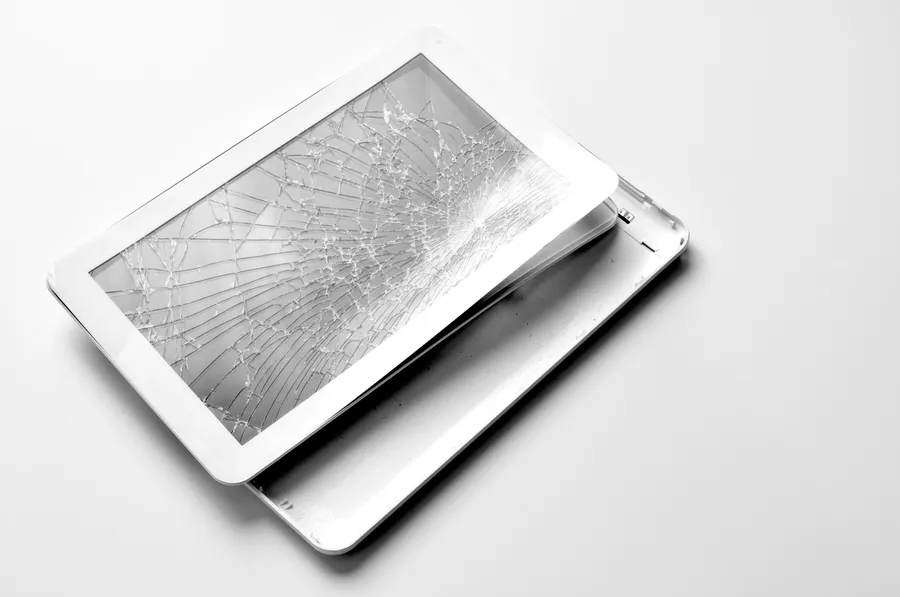
If your tablet starts making strange noises, it might be a sign of internal damage. Common noises include clicking or whirring sounds. These can stem from loose parts or malfunctioning components. If you notice such sounds, it’s best to stop using the device until it can be inspected by a professional. Ignoring these noises could lead to more significant damage over time.
Battery Draining Quickly
A well-functioning tablet should have a reliable battery life. When you notice the battery draining quickly despite minimal use, it might suggest internal issues. This problem often indicates that some components are using more power than necessary due to damage or wear. Consider seeking professional assistance for tablet repair to ensure the longevity of your device.
Screen Glitches and Flickering
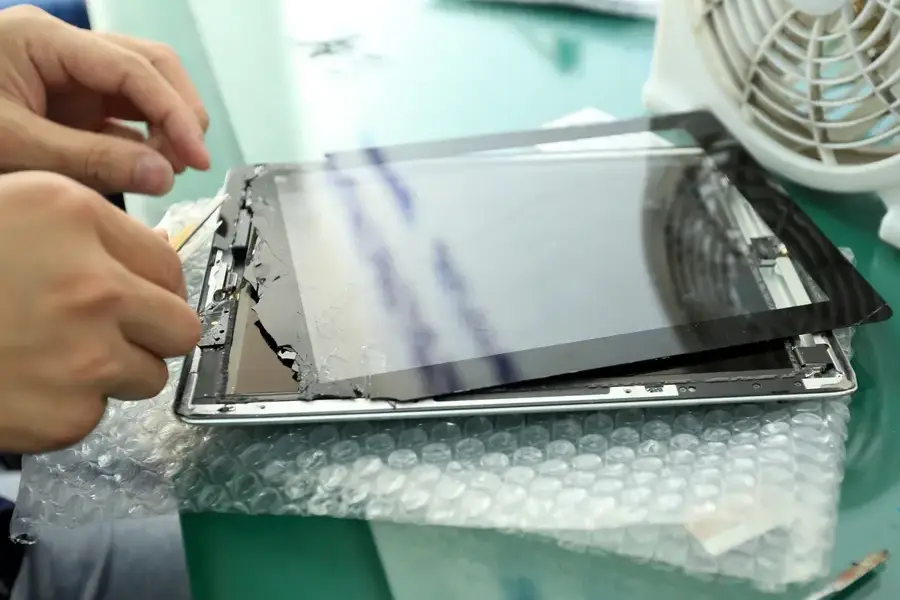
Screen issues like flickering or unresponsiveness can be distressing. These may signify a problem with the internal connectors or even with the graphics processing unit (GPU) within the tablet. Addressing these problems promptly with expert help ensures they do not escalate into more severe hardware failures requiring costly repairs.
Overheating During Use
Tablets can heat up slightly during extensive use, but excessive overheating is a red flag for internal damage. Overheating often points to issues with the cooling system or an overworked processor. To avoid permanent damage, consider limiting usage until the source of the overheating is diagnosed and repaired by professionals who specialize in tablet repair.
Device Freezing and Crashing
If your tablet frequently freezes or crashes without warning, there might be an underlying issue affecting its stability. This behavior could result from damaged memory components or corrupted software caused by faulty hardware. Seeking timely repair services can help restore its functionality and prevent data loss.
Poor Performance and Lag
A noticeable slowdown in speed and responsiveness may indicate internal damage affecting your tablet’s processor or memory modules. Before considering a replacement, have a technician assess whether specific component repairs or replacements could solve the lagging issues effectively.
Seeking Expert Assistance for Your Tablet
When faced with any symptoms indicating potential internal damage, taking swift action is vital. Reliable professionals can offer detailed diagnostics and effective solutions tailored to your tablet’s needs. Located in Falls Church, VA, our team at Tech Doc Repairs LLC provides comprehensive diagnostic and repair services to help extend your device’s lifespan and maintain optimal performance. For expert advice and service, contact us today at (703) 362-5873. Our skilled technicians are here to support all your needs and ensure your tablets continue to serve you efficiently.